Night 1 · learn the cameras
Practice finding Epstein and choosing a connected lure room. Night 1 walkthrough.
Play Five Nights at Epsteins unblocked online. Survive from 12 AM to 6 AM using 11 cameras, sound lures and the air vents in this browser horror game.
Load the title screen, then choose New Game.
The game loads only after you press Play.
Five Nights at Epsteins (FNAE) is a point-and-click survival horror fangame credited to Evan Productions. You stay in one room and operate two panels: cameras to your right, maintenance and vents to your left. This page runs the HTML5 port credited to killlala1213.
The oxygen meter falls when vents are closed and recovers while they are open. Every vent block therefore needs a reopening, even when the cameras are demanding your attention. Leaving the vents sealed turns a successful defense into an oxygen problem.
Press Play in the terminal above. At the game menu, choose New Game for Night 1 or Continue if this browser has saved progress.
The instruction panel does not pause the game clock. Read the longer guides before starting; dismiss the prompt when you are ready to use the room.
Move toward an edge to pan the room. Reach the cameras on the right and the control panel on the left. Open the full how-to-play guide for the first survival loop.
Follow his room changes and draw him toward a connected camera with Play Sound. Sealing the vents does not block his normal approach to your room.

From Night 2, vent movement can interrupt a camera check. Close the vents for his visit, follow the retreat cue and restore airflow afterward.

On Nights 3–5, use Electrocute at CAM 6 to reset his warning. Audio lures do not handle this fixed-room opponent.
The map has branches, so the next useful camera is not always the next number. After Epstein moves from CAM 11 to CAM 7, a sound back at CAM 11 can pull him away from the room approach: those cameras are neighbors. Picking CAM 10 just because its number is high will not make it reachable from CAM 7.

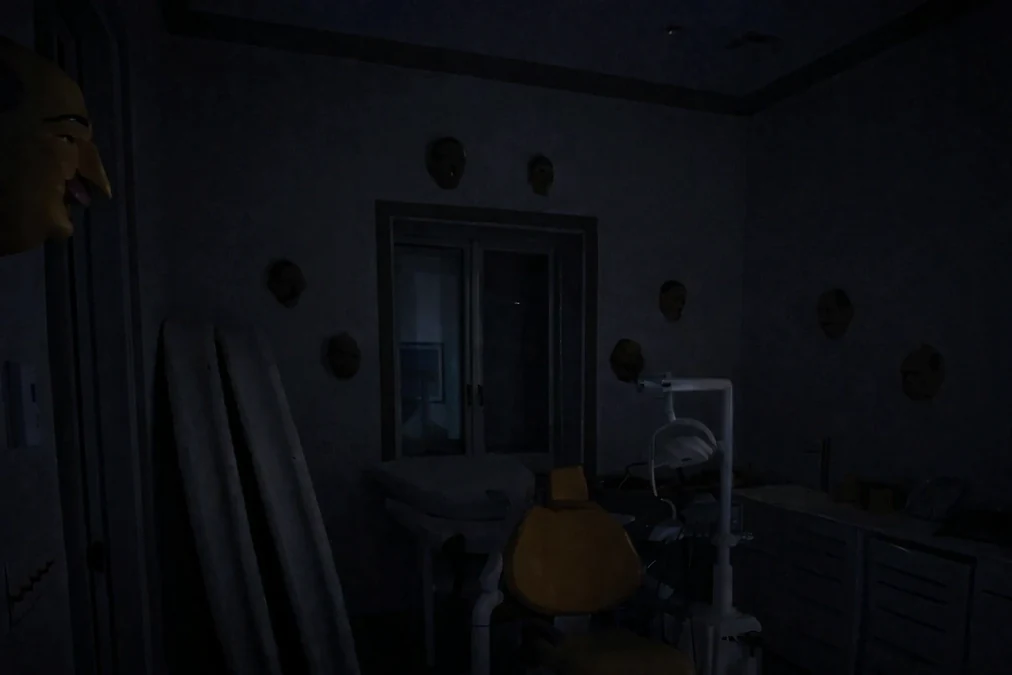
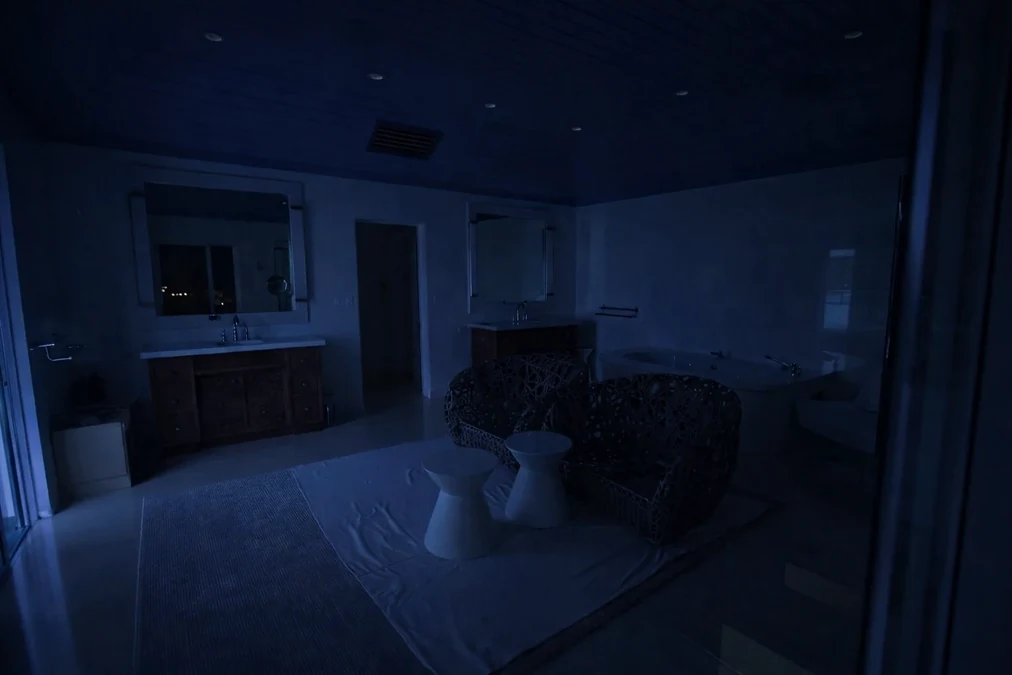
Find the target again after a lure. The sound playing is not proof that the target accepted it, particularly on later nights. The 11-camera map lists the connections; the audio lure guide explains repeated destinations, resistance and camera wear.
Some controls take time to finish. These are the timings used by the browser game above, so a dim button or a moving fan does not automatically mean the interface has stopped responding.
| Action | Delay | What to watch |
|---|---|---|
| Play Sound | 8-second cooldown | The sound button becomes available again. |
| Open or close vents | 4-second transition | Wait for the completed fan state before judging airflow. |
| Restart cameras | 4-second repair | Recover the feed, then locate the target again. |
A displayed hour lasts 60 seconds, making the 12 AM–6 AM clock roughly six minutes. Intro and ending scenes add to the session. Leave enough time for a complete attempt instead of changing tabs halfway through a vent event.
Practice finding Epstein and choosing a connected lure room. Night 1 walkthrough.
Keep listening while you use the monitor. Night 2 walkthrough.
The CAM 6 responsibility joins the earlier threats. Compare the main nights.
Finishing the campaign opens a faster Epstein-focused challenge. Special Night guide.
These checks are a learning aid, not a game unlock. Your ticks stay in this browser. If a first run ends before you understand the cause, use the beginner guide before adding another night.
Five Nights at Epsteins Unblocked runs in the terminal on this page without an app installer. Choose Fullscreen for more room, or Theater to expand the player inside the browser window. “Unblocked” describes this browser-play version; access can still depend on your device and network rules.
Use mouse movement and clicks on a computer, or the game’s touch controls on a phone or tablet. With the player focused, Space toggles cameras and V toggles the vents. Landscape helps keep the controls readable on a smaller display. See FNAE controls, mobile setup or Mac browser play for the relevant input details.
Yes. Turn your phone sideways, use the touch controls and set the volume before starting. Fullscreen support varies by browser. The mobile setup guide explains the smaller layout; this site does not offer a separate phone app.
Night 1 gives Epstein a two-minute spawn delay in this browser edition. Use that quiet opening to find both panels. Empty cameras at the start are intentional and do not by themselves mean the game failed to load. The first-night guide explains the opening sequence.
Campaign progress is stored in this browser profile for this site address. It does not transfer automatically to another device, and clearing site data can remove it. Check saved-progress help if Continue is missing.
Use Stop Game, then retry Play once. If it still stops before the title screen, follow the loading checklist. A Camera Error during a running night is a separate issue; the camera-error guide distinguishes repairable failures from a missed character deadline.