Check for a reason
A light is most useful when you are checking a specific doorway. Do not hold it just because the room feels tense.
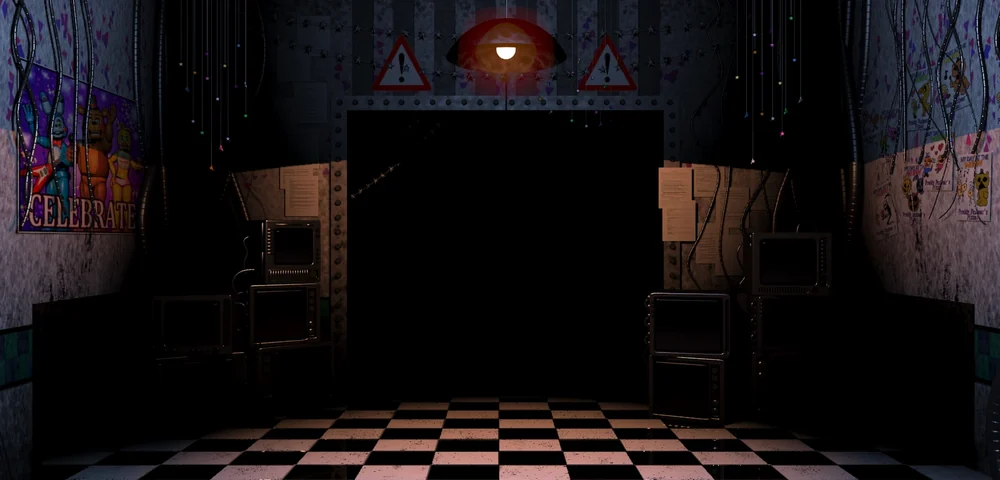
A security office, two sides to watch and a power supply that makes every defensive habit expensive. Start a shift and learn what deserves a button press.
Load the game, then follow its start screen.
The game loads only after you press Play.
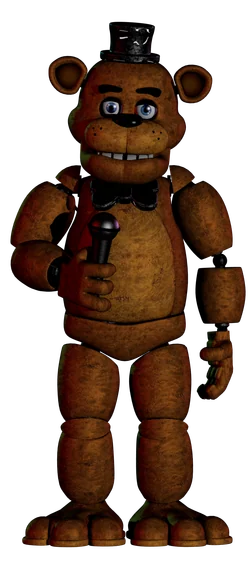
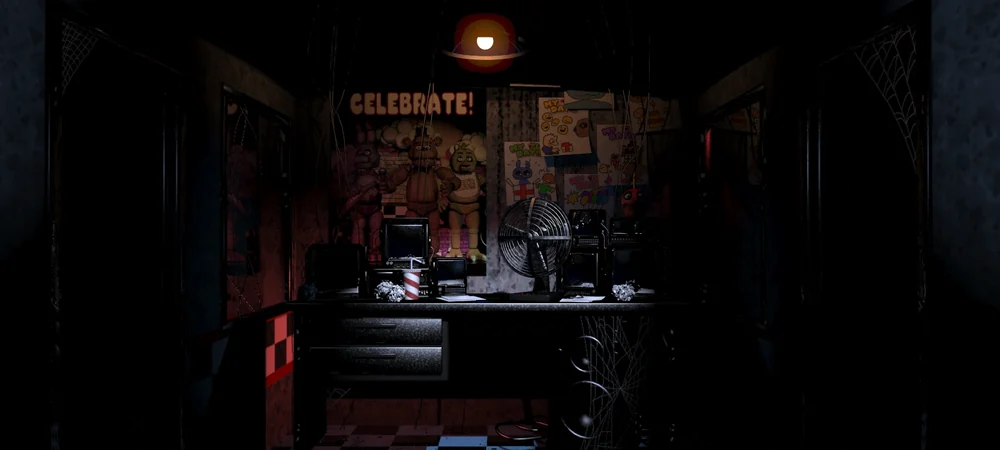
The original Five Nights at Freddy’s places you in a pizzeria security office with cameras, lights and security doors. Using those tools spends limited power. Safety is therefore a decision with a cost, rather than a door you can hold forever.
Begin by learning the two sides of the office. Use a light to answer a near-door question and the monitor to gather information farther away. An input is useful when it changes what you know or answers a real threat.
A light is most useful when you are checking a specific doorway. Do not hold it just because the room feels tense.
Confirm which side you closed. A remembered intention and the current button state are different information.
Know which office side or resource you want to check next. Avoid a long, aimless camera tour.
In Five Nights at Epsteins, open vents allow oxygen to recover. FNAF’s limited power is a different kind of pressure: a small unnecessary action can matter later. Do not import the idea of quickly refilling a depleted resource.
The shared lesson is deliberate defense. Use information to avoid paying for protection you do not need, while still responding when an actual threat reaches your side of the office. That balance creates much of the tension.
Click inside the loaded game before using its controls. The page’s Fullscreen and Theater buttons change the available space; Stop Game closes the session. Return to the comparison page if you want a different surveillance loop.