📹 THE QUIET OPENING
Epstein is scheduled to appear two minutes into this first shift. Use the opening to find the maintenance panel and the camera button. The clock is already advancing, including while GOT IT covers the room, so an empty starting feed is expected.
Learn where Restart Cameras is before you need it. Later, every fifth available sound press can fail the feed even when a lure did not work. On this night there is no vent attacker or recurring CAM 6 warning to divide your attention while you learn the repair.
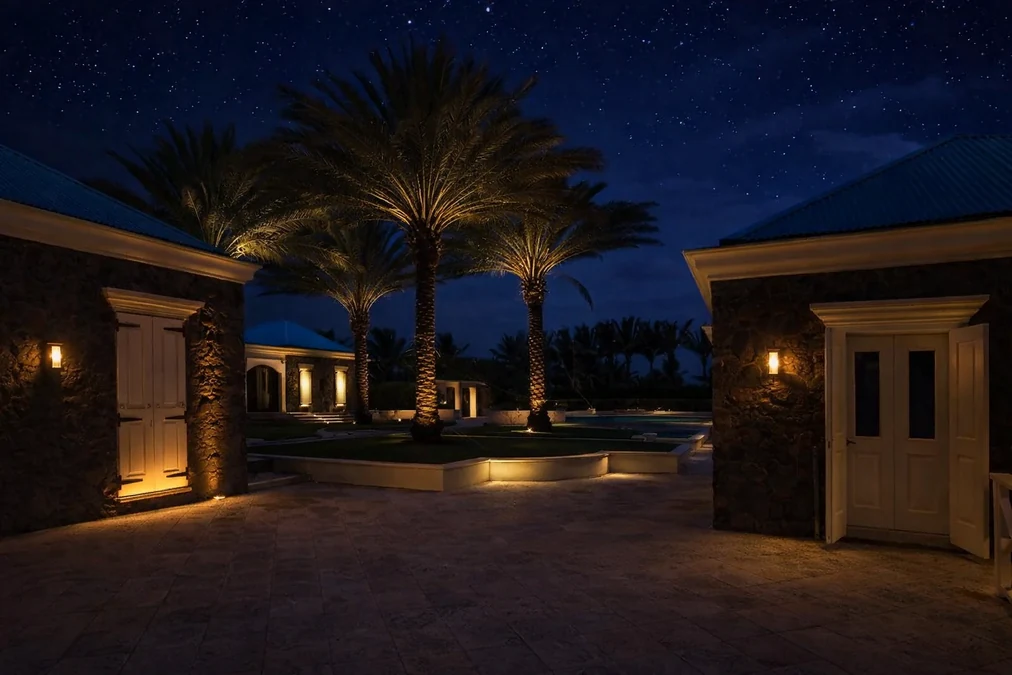
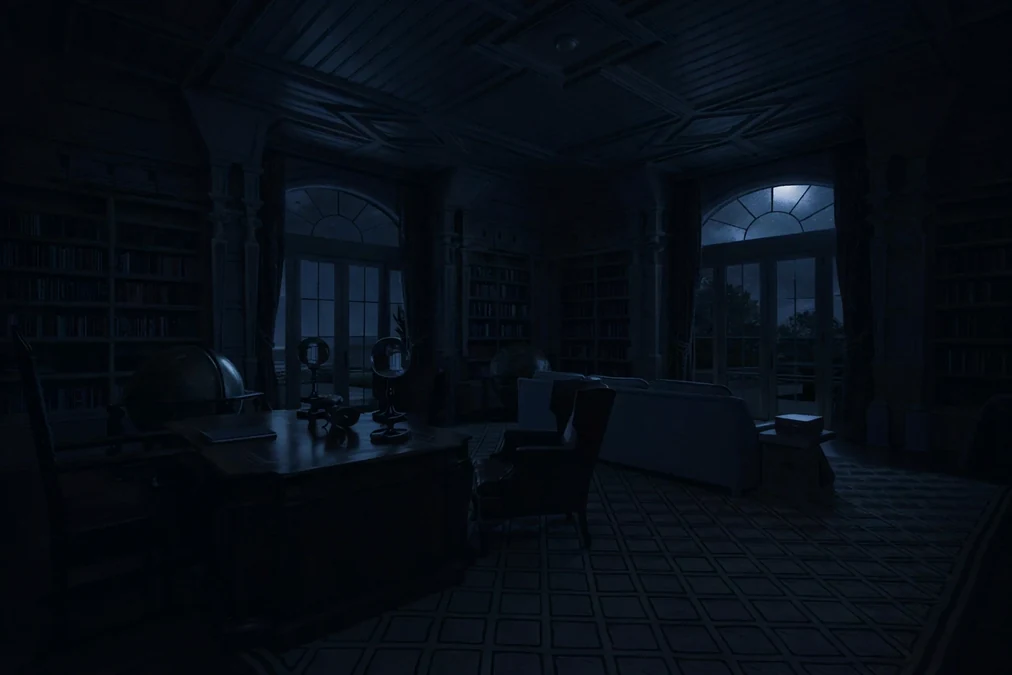
YOUR FIRST LURE PLAN
Confirm the room
Start from a visible position. A delayed appearance is different from a target that has already moved away.
Select a neighbor
Wait for a useful position. Once Epstein reaches CAM 7, a sound at CAM 11 can pull him back a depth. Sending him from CAM 11 to CAM 7 would do the opposite. Adjacency allows the lure; it does not choose a safe direction for you.
Check the result
Do not count the press as a successful retreat until the next sighting supports it. Use the cooldown for observation rather than repeated input.
A GOOD NIGHT 1 REVIEW
If you lose, separate navigation trouble from lure trouble. Did you know where the restart panel was? Was the selected sound room adjacent? Did you see the target after the lure? Those answers give you a cleaner next attempt than simply trying to click faster.
Once a run feels readable, move on. You do not have to memorize every camera texture before learning the second night. Keep the Camera Map nearby for connections and return to Controls if the room panning still feels awkward.