🖥️ BEFORE THE TITLE SCREEN
Load the game deliberately
Press Play on the main game page. The game data stays unloaded until that action, so the surrounding guide can be read first.
Give the game focus
Click or tap inside its area. Keyboard shortcuts belong to the game only when the browser delivers the input there.
Confirm sound
Browser audio often requires an interaction. Check the device volume and muted-tab state before expecting a cue.
Choose a stable view
Use normal, Theater or Fullscreen and keep the tab visible. Avoid changing the setup during a vent event.
💾 HOW SAVES WORK

The packaged game uses local storage for campaign progress and special-night flags. The site also stores checklist ticks separately. There is no player account or automatic device-to-device transfer.
Storage belongs to the browser profile and site address. Private browsing, clearing site data or switching profiles can make previous progress unavailable. A blocked-storage setting can also prevent persistence.
ABOUT “UNBLOCKED” SEARCHES
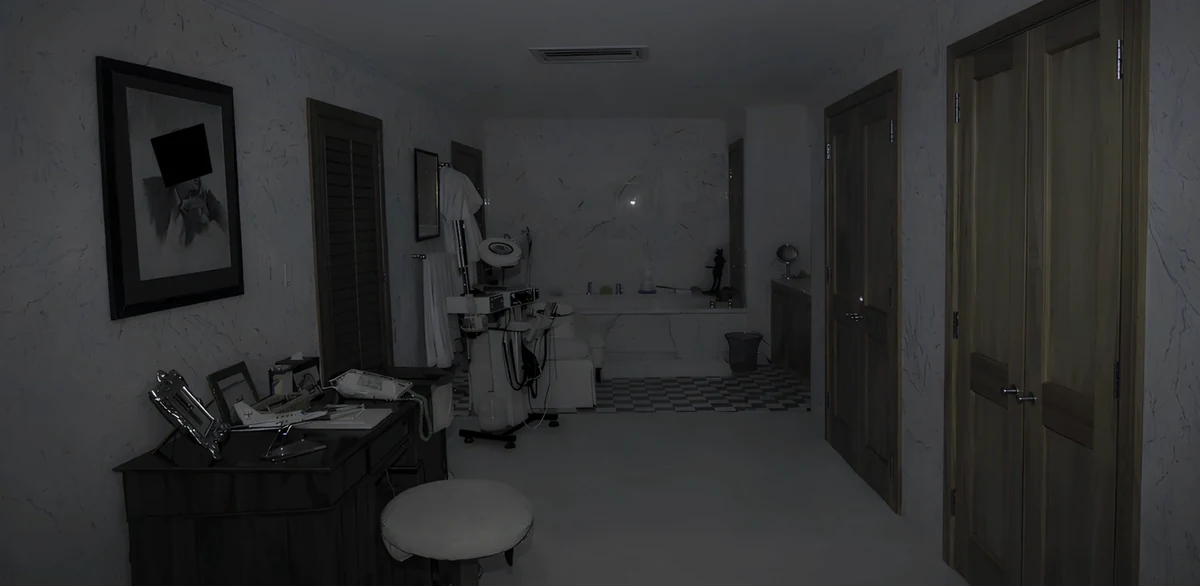
Five Nights at Epsteins Unblocked is the browser-play version available on the homepage. It does not need an app installer, but device and network rules still apply. Use a connection where you are allowed to play.
An access-denied screen is different from the game’s own Camera Error. The first is a browser or network condition; the second is a live survival-system state. Refreshing an active night will not repair a network rule, and changing network settings is not part of the in-game restart.
| Need | Where to go |
|---|---|
| The title screen never appears | Loading Help |
| Controls do not match a guide | Versions and Downloads |
| A phone layout feels cramped | Mobile Play |
| The game displays Camera Error | Camera Errors |
For Five Nights at Epsteins browser play on a Mac, the Mac setup page covers trackpad use and browser-specific checks. Keep troubleshooting tied to an observed symptom rather than changing every setting at once.